How to finish a jigsaw faster, from edges to piece counts
Picking the biggest board on your first try is the usual mistake, and it turns a pleasant jigsaw into a long stare at look-alike pieces. Finishing faster is less about quick hands and more about the order in which you do things.
Choose a piece count that matches your time
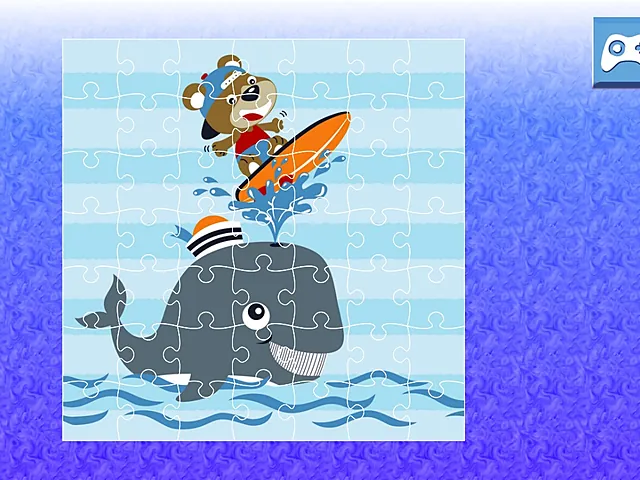
Several jigsaws let you pick a size before the round begins. Strong Lions Jigsaw offers 16, 36, 64 or 100 pieces, and so do Dino Jigsaw and Off road Vehicles Puzzle. In each one, a smaller board means less to place, and a larger board means a longer puzzle to solve. That is the whole trade.
One rough rule helps. Sixteen pieces fit a short break, because the board fills quickly. The 64- and 100-piece sizes ask for patience and steady sorting, so they suit a longer sitting. Thirty-six sits comfortably in the middle.
Treat the first round of any new picture as practice. Start on 16 pieces, see how the picture breaks up, and then step up to 36, 64 or 100 with that knowledge. Dino Jigsaw spells out the same idea: pick the mode to match the time you have.
Edges first, then colour groups
Frame the picture
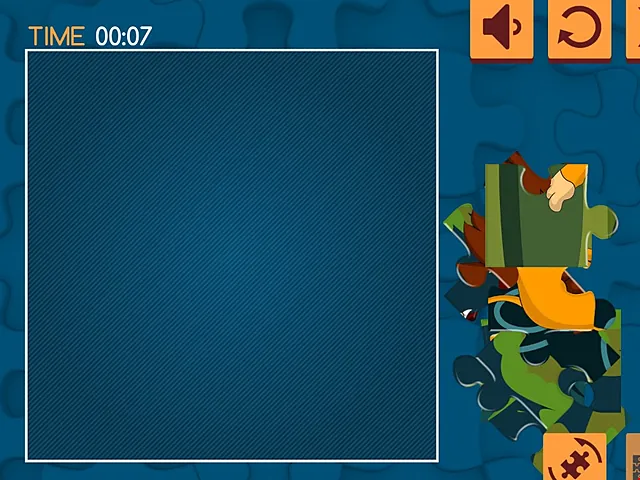
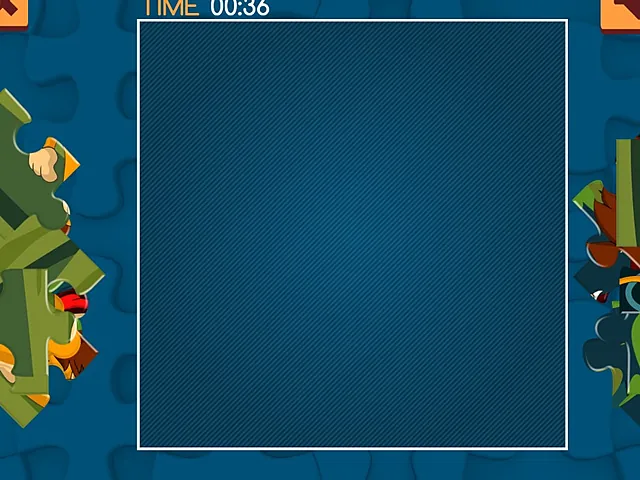
Pieces with a straight edge belong on the outside, so place them early. Once the frame is down, every other piece has a boundary to be measured against. In Strong Lions Jigsaw the board is an empty square in the middle with loose pieces gathered along the left and right sides, which lets you pull the straight-edged ones out first and fill inward.
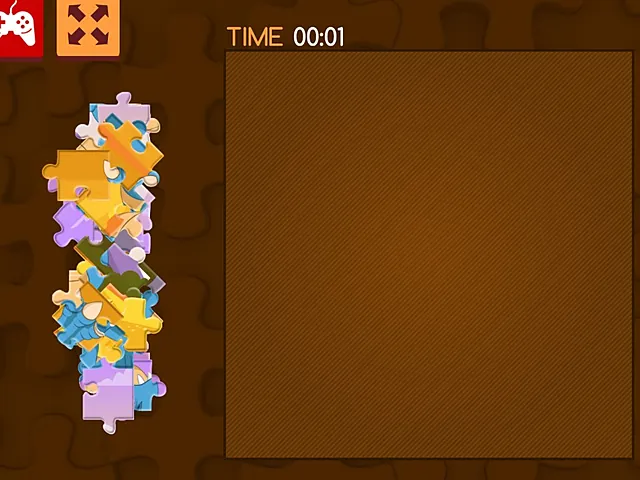
Dino Jigsaw works the same way, with pieces piled at both sides of the board. Anchor the picture with pieces that look like they belong at an edge, then build toward the middle.
Sort by colour before you place
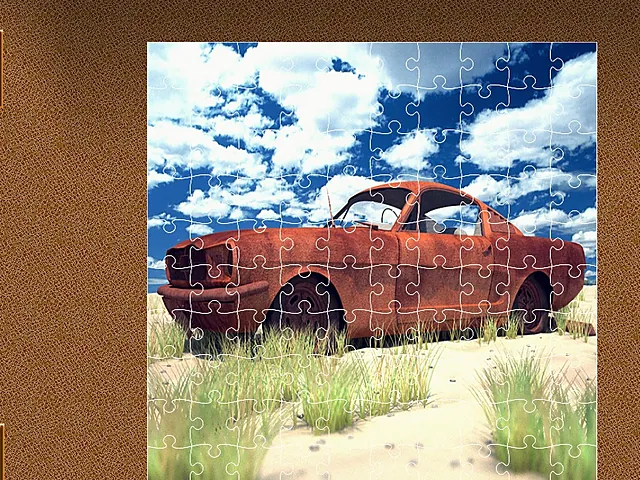
Sorting is where the saved minutes come from. In Rusty Cars Jigsaw, natural colour families are blue sky, pale sand and rust. The car's orange-brown pieces are easy to spot against sky and sand, so begin there and let the rest wait.
When the sky pieces seem identical, colour stops helping. Look at the tabs and blanks instead, and take a short pause when the sky starts to blur together. The last stretch of that picture asks for more care than the first, because the leftover pieces are the similar ones.
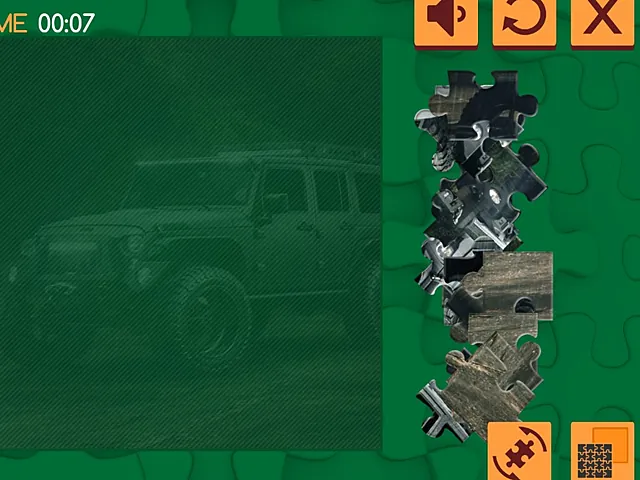
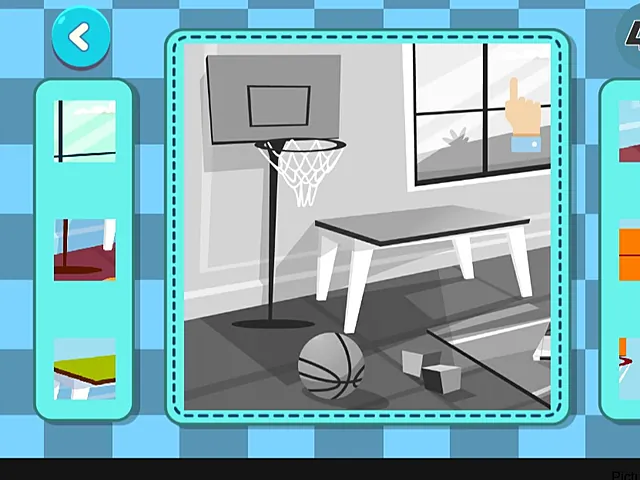
Off road Vehicles Puzzle adds a different aid. A faint vehicle outline shows on the board, so you can compare each piece against it. Place the vehicle's distinct parts first, then fill in the surrounding ground. Dig through the stacks on both sides as well, since useful pieces can sit under others.
Using the clock, the hints and the move counter
Timers
Strong Lions Jigsaw and Dino Jigsaw both run a TIME counter above the board, and Off road Vehicles Puzzle has a timer at the top that counts up while you work. Each one hands you a number to beat. Each one is also easy to over-watch, so glance at it between placements rather than after every piece. If the timer rushes you, treat it as a gentle reference and carry on.
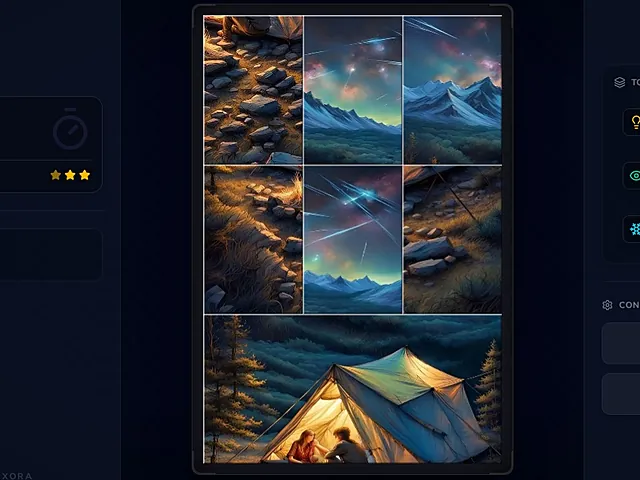
Jixora – Jigsaw Solitaire Puzzle turns the clock around. You must complete the full image before the timer runs out, and stars are earned against the clock. The star target shrinks as the time left runs down, so there is a reason to keep moving.
Hint, Peek and Freeze
Three tools sit in a panel in that game.
- Hint, the lightbulb, moves a piece to its correct spot.
- Peek, the eye, shows the finished image for a few seconds.
- Freeze, the snowflake, pauses the timer for 10 seconds.
Use Peek once early to fix the layout in your mind, then rely on what you saw. Save Freeze for the last seconds, when the clock is nearly out. Before any of that, study the whole picture, because the mountains and the tent give clear landmarks.
Adjacent pieces that belong together snap and lock, so a correct match confirms itself. The level screen shows the time left and the piece count, and the tools are there to lean on, which makes the countdown easier to live with.
The move counter
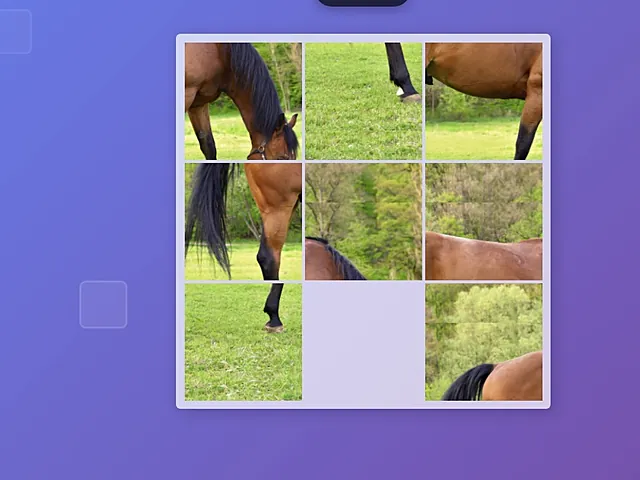
Interactive Jigsaw Puzzle Game tracks something else. A timer sits at the top, and a move counter records how many moves you make. You can click or tap pieces to move them, or drag and drop them into place.
Here a tidy plan beats random shuffling. Fix one corner or row early and leave it alone while you work on the rest. Watch the timer only between moves, because rushing usually costs extra moves. A smaller puzzle size is a good way to learn how the pieces behave, and it is worth switching between click or tap and drag and drop to see which feels steadier.
Which one to open
Your device matters a little. Dino Jigsaw and Jixora both accept touch and drag as well as the mouse, and the Interactive Jigsaw Puzzle Game accepts taps. The others are played with the mouse.
| Game | Sizes | Aids | Input |
|---|---|---|---|
| Strong Lions Jigsaw | 16, 36, 64, 100 | TIME counter | Mouse |
| Dino Jigsaw | 16, 36, 64, 100 | TIME counter | Mouse or touch |
| Off road Vehicles Puzzle | 16, 36, 64, 100 | Timer, faint outline | Mouse |
| Rusty Cars Jigsaw | Mode of your choice | Picture choice | Mouse |
| Jixora | 100 levels | Hint, Peek, Freeze | Mouse or touch |
| Interactive Jigsaw Puzzle Game | Several sizes | Timer, move counter | Click, tap or drag |
A plan for your next round
Begin with 16 pieces on a picture you have not seen before, then work through the same order every time.
- Study the whole picture and pick out landmarks.
- Pull out the straight-edged pieces and frame the board.
- Sort the rest into colour families before placing them.
- Check the clock or the move counter only between placements.
- Move up a size once the small board feels easy.
For a plain race against your own time, Dino Jigsaw gives you nine images and four sizes to practise on. If you would rather have help when you are stuck, Jixora offers Hint, Peek and Freeze. And if you want to cut wasted effort, the move counter in the Interactive Jigsaw Puzzle Game shows exactly how many moves each plan costs.