Cute Whale, Butterflies or Dino Jigsaw for an animal picture
Three animal jigsaws can look alike in a list: a whale, some butterflies and a few dinosaurs, each cut into pieces and waiting to be dragged back together. Once you open them, though, they ask for different things. One keeps its choices small. One gives you a wall of pictures and three levels of difficulty. One lets you decide exactly how many pieces you want and times you while you work. This guide separates them so you can pick before you open any.
The short version
- Cute Whale Jigsaw is the gentle, no-fuss one, played with the mouse.
- Butterflies Jigsaw has the widest choice of pictures, with easy, medium and hard modes.
- Dino Jigsaw gives you the most control over size and keeps a TIME counter running above the board.
The rest of this page fills in the detail and ends with a few habits that work across all three.
Cute Whale Jigsaw
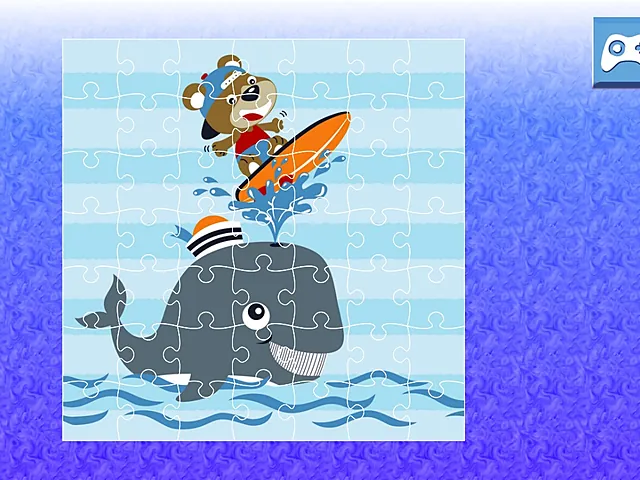
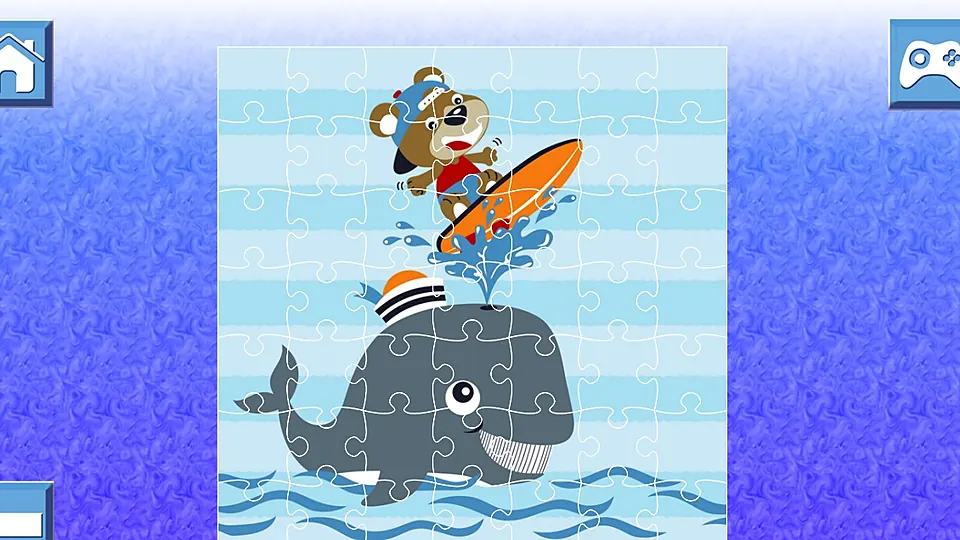
The picture is a grey whale laid over a swirling blue and violet background, with a small bear riding an orange surfboard. The colours are flat, clear and cheerful. You choose an image, click the mode you want to play, and the pieces shuffle across the background. Then you drag them back into place with the mouse until the whale picture is whole. Buttons for home, back and a controller sit on the screen.
The loop is short and easy to describe: pick an image, pick a mode, drag shuffled pieces to the right places. A round ends when the whole picture is assembled. Because there is little else on the screen, your attention goes to the pieces and the colours.
Who it suits
Players who want a light jigsaw with a clear anchor in the picture. The grey whale and the orange surfboard give you two obvious starting points, and the blue background pieces can fill in around them later. It is played with the mouse, so it fits a desktop or laptop best.
Butterflies Jigsaw
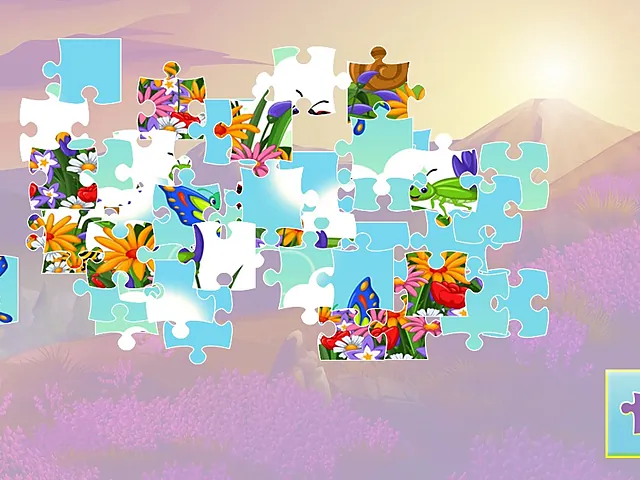
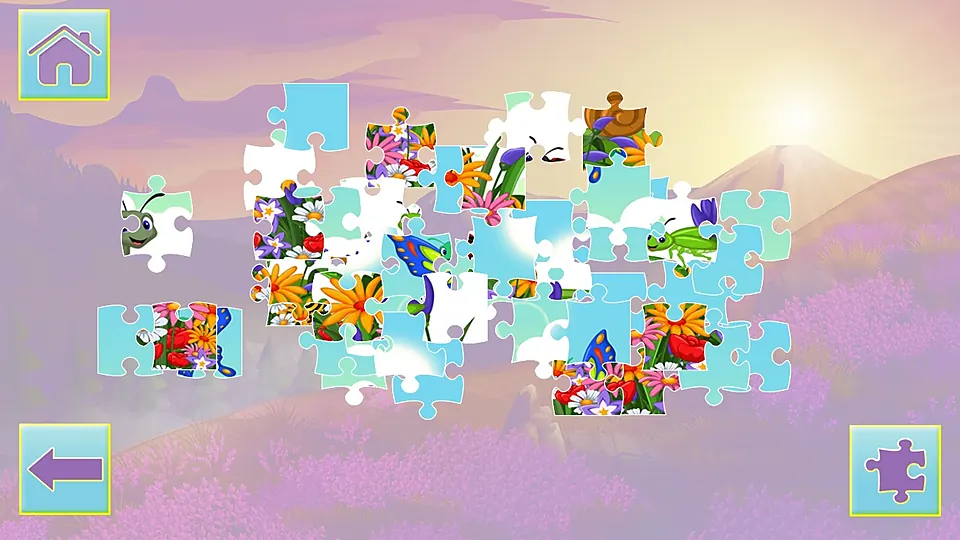
Loose pieces lie scattered over a lavender hillside at sunrise. One shows a patch of butterfly wing, another a grasshopper, and a few are little more than flower petals. You begin by picking a picture, because there are twelve butterfly images to choose from. After that you pick easy, medium or hard and start sorting.
Pieces go into the right position by dragging, with the mouse or by tapping the screen. Home, back and puzzle-piece buttons sit on the screen. The finished picture is a butterfly scene, and the sunrise scenery behind the pieces keeps the mood soft while you sort.
Who it suits
Players who like variety. Twelve pictures is a long run of different scenes, and three modes mean the same picture can be a short job or a longer one. It also accepts touch, so it is the natural choice if you would rather play on a phone or tablet than at a desk.
Dino Jigsaw
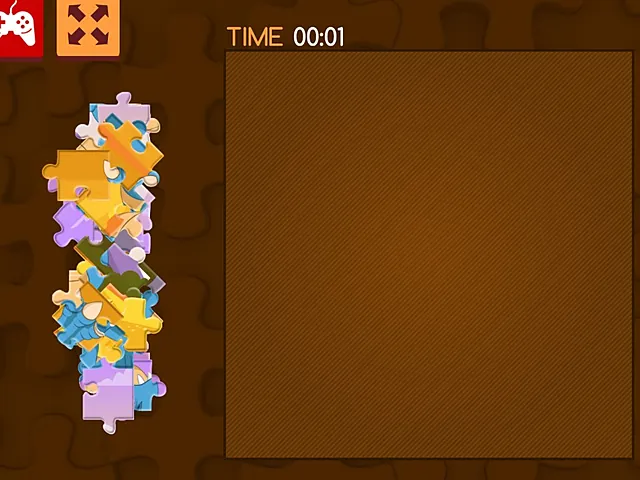
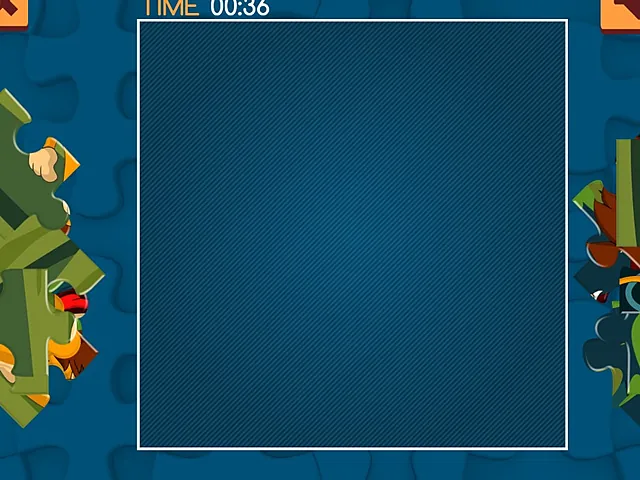
This one is built around speed and size. Before you start you choose one of nine images and one of four modes: 16, 36, 64 or 100 pieces. A TIME counter runs above the board while the pieces, heaped in two piles at the left and right, wait to be sorted. The goal is to fill the board with every piece in the shortest time you can.
You use the mouse or a touch on the screen, and the action is drag and drop. A small piece count makes for a quick round, and a big one makes for a long sitting. A 100-piece board is the same drag and drop as a 16-piece one, only more of it.
Who it suits
Players who like to set their own challenge and see a number at the end. If you enjoy beating your own time, or you want to match the puzzle to the minutes you have, this is the one that lets you do it most precisely.
Side by side
| Game | Pictures | Choices | Input |
|---|---|---|---|
| Cute Whale Jigsaw | Choose an image | A mode per round | Mouse |
| Butterflies Jigsaw | Twelve | Easy, medium, hard | Mouse or tap |
| Dino Jigsaw | Nine | 16, 36, 64 or 100 pieces | Mouse or touch |
How to decide in three questions
- Which device are you on? For a mouse, all three work. For a phone or tablet, look at Butterflies Jigsaw and Dino Jigsaw first, since both accept touch.
- Do you want a clock? Dino Jigsaw has a TIME counter above the board. Cute Whale Jigsaw and Butterflies Jigsaw lean on pictures and modes instead, so they suit a slower pace.
- How much choice do you want? Cute Whale Jigsaw keeps choices light. Butterflies Jigsaw offers many pictures and three levels. Dino Jigsaw offers a piece count to match your time.
Habits that help in all three
Anchor on what stands out
Every picture has a few features you cannot mistake. In Cute Whale Jigsaw it is the grey whale and the orange surfboard. In Butterflies Jigsaw it is a wing edge or a flower outline. Find those pieces first and build around them, and leave the plain background pieces for last.
Sort by colour before you place
In Butterflies Jigsaw, flowers, sky and butterfly wings look clearly different from one another, so sorting by colour first thins the pile quickly. Group sky pieces together at one side to clear the crowd. In Dino Jigsaw, group pieces by colour in your head as you pull them out of the piles.
Start small, then move up
Choose the 16-piece mode in Dino Jigsaw first to learn how a board reads before moving up to 36, 64 or 100. In Butterflies Jigsaw, pick easy for a first try, then move up once the picture feels familiar.
Check shapes, not only colours
In Cute Whale Jigsaw, check the tab shapes on a piece against the gap before you drag it across the screen. A piece that looks right for two places usually fits only one, and the tab tells you which.
Finish an edge before the middle
Starting with the edge and corner pieces is a sensible way to give any picture a frame. Finish one corner of the picture before you start on the middle, so every new piece has a neighbour to attach to.
Which one to open first
If you want the lightest start, open Cute Whale Jigsaw. It has the fewest decisions and a picture with clear anchors. If you want a long run of pictures and the option to tap on a touch screen, open Butterflies Jigsaw and begin on easy. If you want a timed round that fits the minutes you have, open Dino Jigsaw and pick the piece count to match.
Nothing stops you from trying all three in an evening. They share the same basic action, so the second and third feel familiar quickly, and the differences in pictures and choices are easy to spot once you have played one.
Frequently asked questions
Which of these has the most pictures?
Butterflies Jigsaw has twelve butterfly images to choose from, and Dino Jigsaw has nine. Cute Whale Jigsaw lets you choose an image before you pick a mode.
Which one lets me choose the number of pieces?
Dino Jigsaw. You choose one of four modes: 16, 36, 64 or 100 pieces. A small count makes for a quick round and a big one makes for a long sitting.
Can I play any of these by touch?
Yes. Butterflies Jigsaw can be played by tapping the screen, and Dino Jigsaw accepts touch and drag as well as the mouse. Cute Whale Jigsaw is played with the mouse.