Interactive Jigsaw Puzzle Game
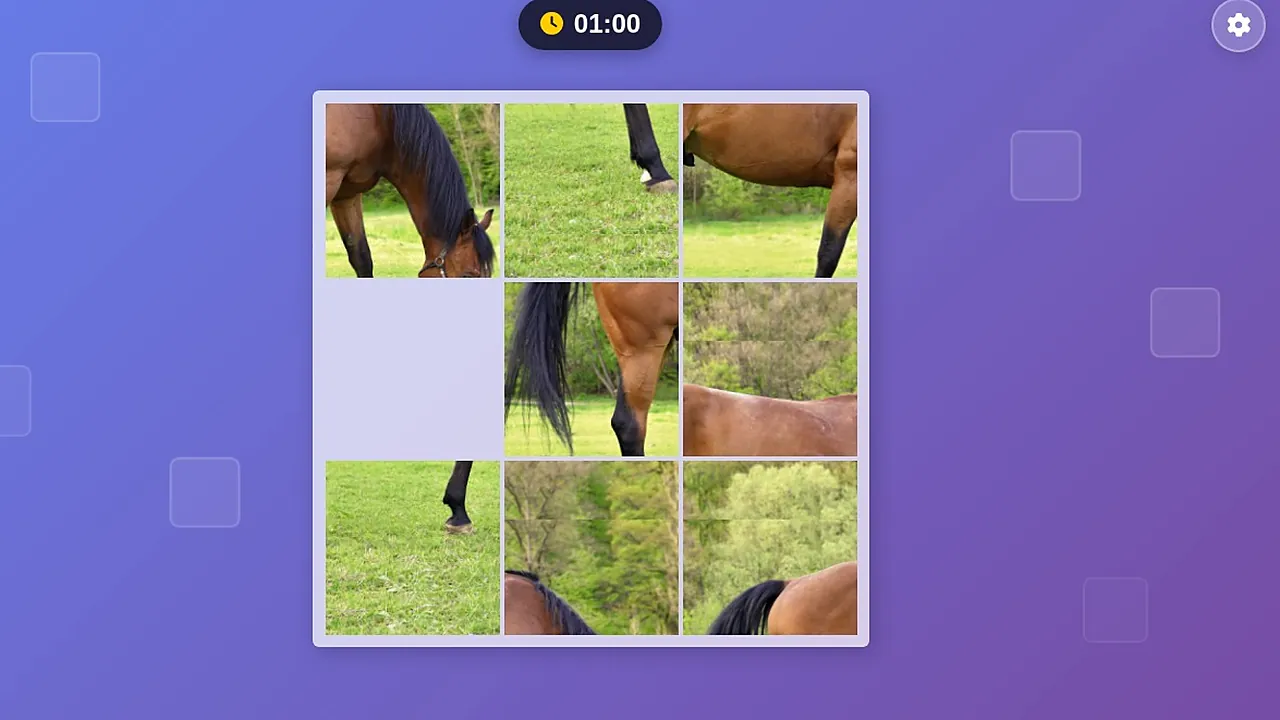
Which piece goes where, and how many moves will it take? Those two questions run through every round here, with a timer counting at the top of the screen.
Interactive Jigsaw Puzzle Game cuts a photo into pieces, and you rearrange them until the photo is complete. You can click or tap pieces, or drag and drop them into place. Puzzles come in different sizes across several puzzle sets, so the same idea can feel quick or demanding. A timer and a move counter keep track of how you are doing, and animations accompany each move. The screen shows the timer and the grid of pieces, and that is what you focus on.
How to play
First look at the jumbled picture, then work out which pieces belong where. The puzzle is solved when every piece is back in its right position and the photo is whole. Each puzzle is one picture, puzzles come in different sizes, and a bigger puzzle simply gives you more pieces to place before the photo is whole.
Click or tap pieces to move them, or drag and drop them into place. A timer at the top counts as you go, and a move counter tracks how many moves you make, so a tidy plan beats random shuffling. Keep going, adjusting piece by piece, until the photo is complete.
Controls
| Input | Action |
|---|---|
| Mouse drag | Drag and drop a piece into place |
| Click or tap | Select and move a piece |
| Gear button | Settings, in the top right corner |
Tips
- Study the whole picture first and note distinctive details, such as the horse or a patch of field.
- Fix one corner or row early, then leave it alone while you work on the rest.
- Count your moves as you go, since the move counter makes wasteful moves easy to spot.
- Watch the timer only between moves, because rushing usually costs extra moves.
- Try a smaller puzzle size first to learn how the pieces behave.
- Switch between click or tap and drag and drop to see which feels steadier.
Screenshots
Our take
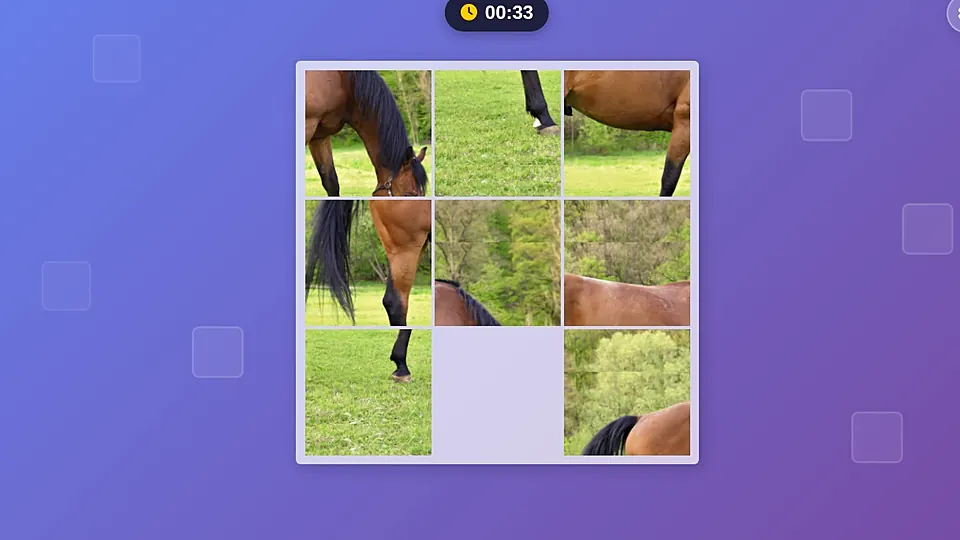
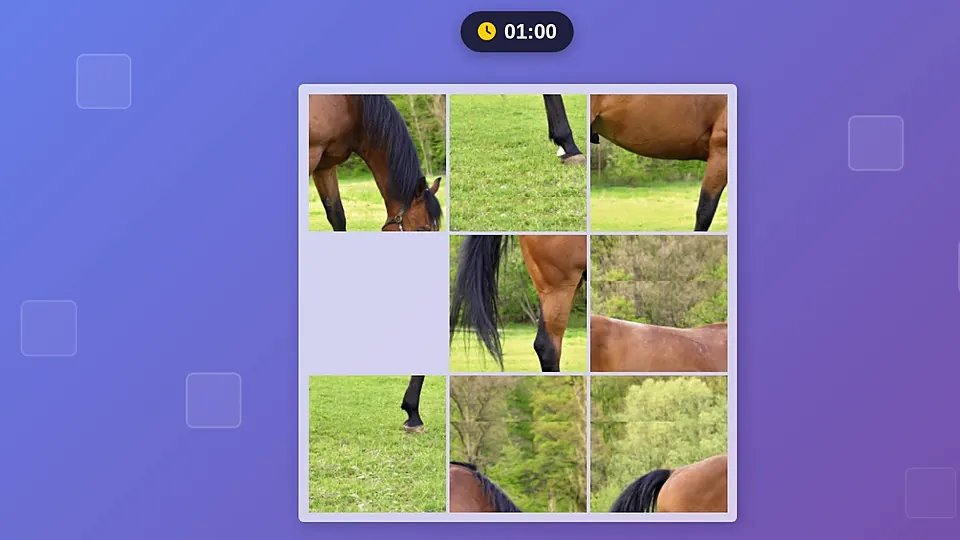
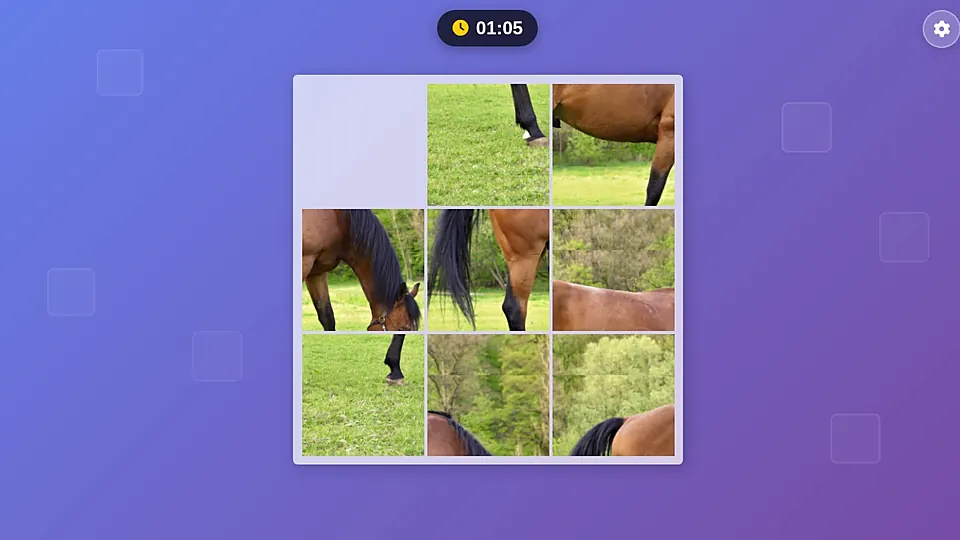
The timer and the grid of pieces make a clean screen, and that helps play because nothing competes with the photo. Puzzles of different sizes suit different sittings. A small one fits a short break, while a larger one in a different puzzle set asks for a longer sitting. The timer and move counter add a small challenge for anyone who wants to beat their own numbers, but they stay in the background for players who prefer to take it slowly.
Common questions
What do the timer and move counter show?
A timer and a move counter track each puzzle, so you can see how long a run took and how many moves it needed.
What can I do when I get stuck?
Look at the whole picture again and pick one distinctive detail to build around. Fixing one corner or row first leaves you fewer pieces to think about.
Who is Interactive Jigsaw Puzzle Game suitable for?
Anyone who likes picture puzzles and wants a clear, uncluttered screen. You can click, tap or drag, so you can choose the input that feels natural to you.