Solving Timberland Arrange from the first hint to the last brush stroke
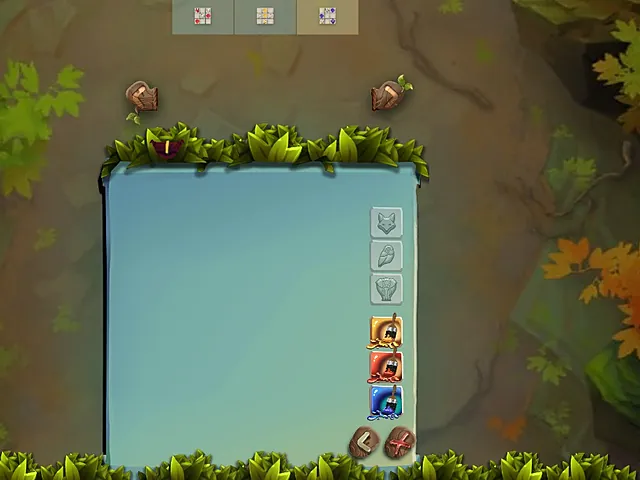
Picture seating guests at a long table, where every guest arrives with a few hints about where they may sit. You shuffle the plan around until every hint agrees. Timberland Arrange Puzzle Game works the same way, only the guests are animals and the table is a blue-green board set against a leafy forest. This walkthrough follows one round from the first hint to the last brush stroke, then compares the habit it teaches with a classic sudoku grid.
What a round asks of you
A round is solved when every animal sits in the cell its hints point to and has been painted in the right one of three colours. Nine pets take part, each with its own character, so you will repeat the same sequence for every one of them. Everything is done with clicks.
The screen is calm and hand-drawn. A small hint panel sits at the upper left, and animal buttons and brushes run down beside the board. Hints of different types overlap, and the spot where they cross tells you what belongs in a cell.
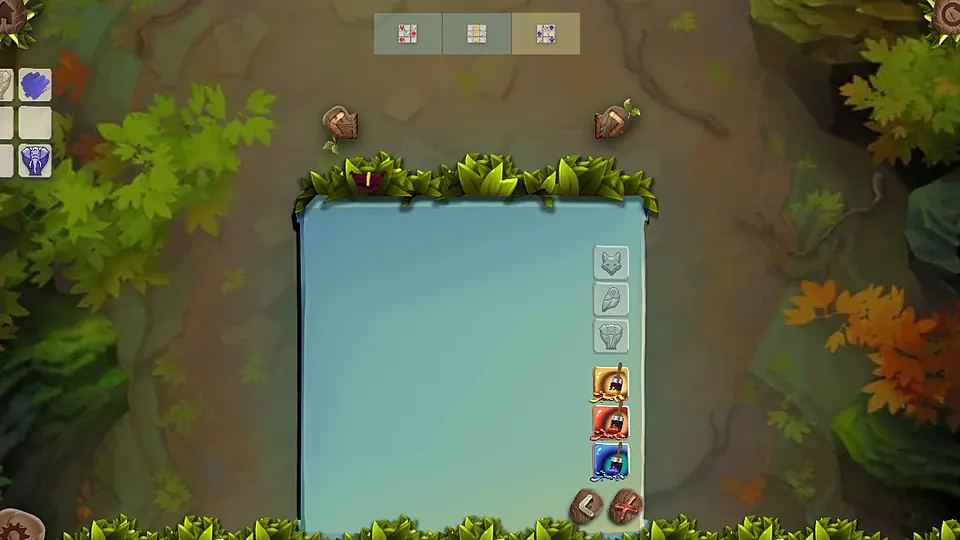
Step one, read the hints before you touch anything
It is tempting to grab the first animal and drop it somewhere plausible. Resist that. Spend a moment with the hint panel and look for cells where two different kinds of hint cross. Those crossings are where the puzzle gives itself away.
Think of each hint as a filter. One hint rules out part of the board. A second hint of a different type rules out another part. A cell that survives both is a candidate, and a cell that survives all of them is the answer. Keep the hint panel in view as you go, because you will return to it after every placement.
Step two, choose the animal you are surest about
Place the animal you are surest about first. Every settled cell narrows the choices for the rest, so a confident placement early on pays off many times over. A shaky placement does the opposite: it can send you down a wrong path that takes several moves to undo.
If two animals seem equally certain, pick the one whose cell is touched by the most hints. More hints mean fewer ways to be wrong, and the newly settled cell will give you more to work with.
Step three, place the animal
The sequence is simple and always the same:
- Click an animal button to select the animal you want to place.
- Click the cell on the board where it belongs, and the animal is placed there.
That is the whole action. Choosing the cell is the real decision, and it is made in step one and two. If you are unsure, go back to the hint panel instead of clicking and hoping.
Step four, choose a colour and paint
Placing is only half of it, because each animal also takes one of three brush colours. Once the animal is in its cell, choose a colour, then click the animal again. One stroke of the brush, and it comes to life.
Pick the colour only after the animal is in its cell, as painting is a separate step that comes second. The colour is part of the answer too, and it comes from the hints in the same way the cell does, so do not treat it as decoration.
Step five, repeat for every pet
Work through the pets one at a time. After each one, return to the hint panel and ask what has changed. A placed animal may now settle a hint that was hard to apply a moment ago, and the next obvious cell may be one you could not see before. Expect the middle of a round to feel slower than the start, and the end to feel quick as the last few cells fall into place.
A round at a glance
| Stage | What you do | What to watch |
|---|---|---|
| Read | Study the hint panel | Where two hint types cross |
| Choose | Select the surest animal | Cells touched by many hints |
| Place | Click a cell on the board | Cell, not colour, first |
| Paint | Pick a colour, click the animal | One of three colours |
| Repeat | Return to the hints | What the last move settled |
How the same habit works in Sudoku Village
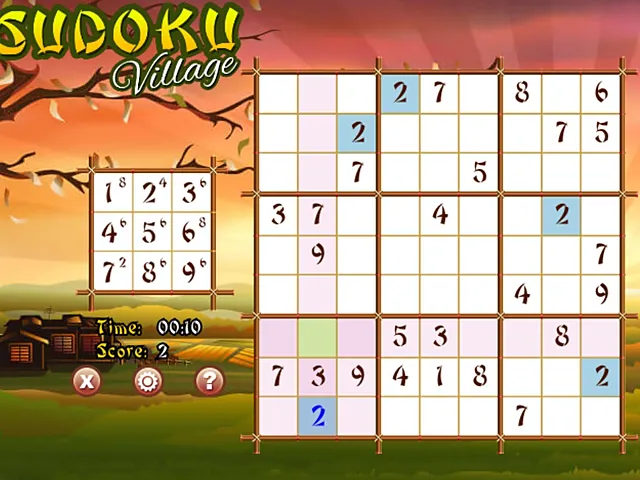
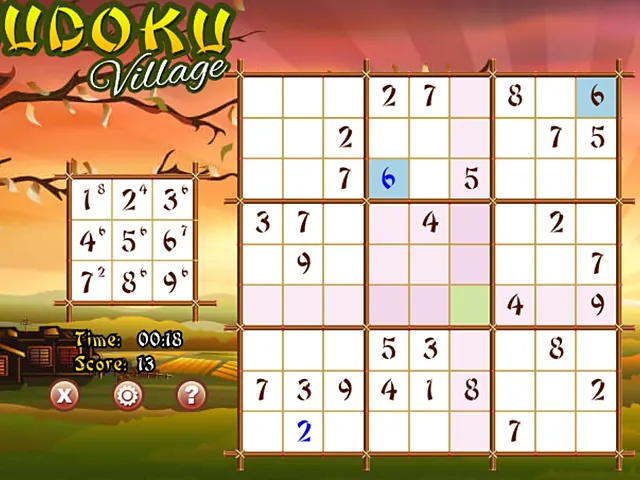
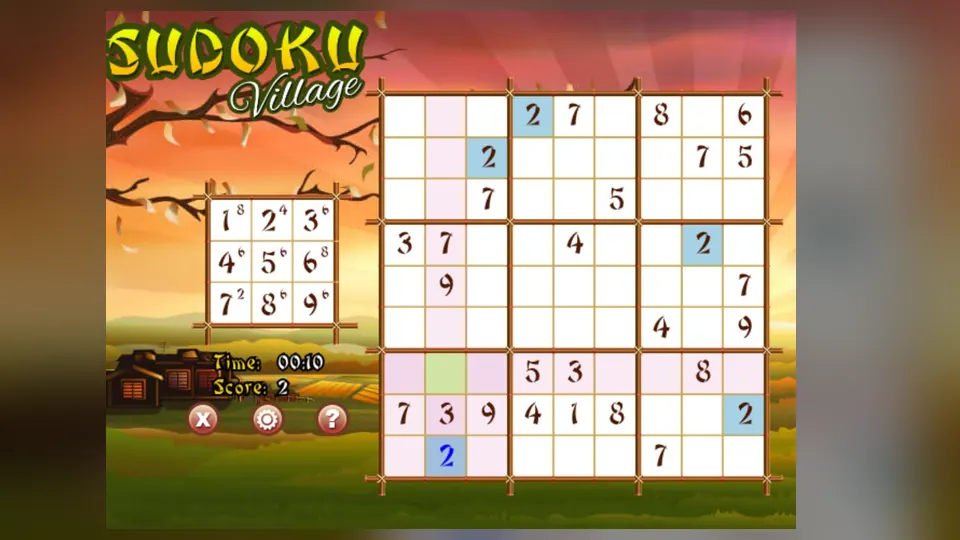
Sudoku Village is classic 9x9 sudoku. Numbers one to nine wait in a small panel at the left, empty squares wait in the grid on the right, and your own entries show up in blue. Some squares start filled in, and you supply the rest. Each row, each column and each 3x3 box holds the numbers 1 to 9 once.
The deduction habit is the same. In Timberland Arrange you look for cells where two kinds of hint cross. In sudoku you look for the squares where a row, a column and a box leave only one number. Scan the 3x3 boxes that already hold the most numbers, because fewer gaps mean fewer possible entries. Start with a digit that appears many times on the board, then look for the boxes where it is still missing.
When you select a square in Sudoku Village, its row, column and box pick up shading, which helps you check each number before you commit to it. The animal game has no equivalent shading, so the hint panel plays that role. The lesson is to find the quickest way to see what a choice rules out.
Where the two games differ
- Timberland Arrange has a second step, painting, after every placement. Sudoku has one.
- Timberland Arrange is played only with clicks on buttons, cells and colours. Sudoku Village uses a number panel and the grid.
- Sudoku Village shows Time and Score readouts beside the grid. A correct grid matters more than a fast one.
Mistakes worth avoiding
- Placing before reading. The hint panel is your guide, so use it first.
- Painting too early. The colour comes after the animal is in its cell.
- Skipping the recheck. After each placement, look at the hints again. One settled cell often unlocks another.
- Guessing when stuck. If no cell is certain, look at hints of a different type, not the same one again.
Frequently asked questions
How many animals are there in a round?
Nine pets take part, each with its own character, and each one is placed and painted in turn.
Do I place the animal or choose the colour first?
Place the animal first. Select it with its button, click the cell where it belongs, then choose a colour and click the animal again to paint it.
Is Timberland Arrange similar to sudoku?
It is sudoku-style deduction with a friendlier face. In both games you narrow down the answer by finding where different kinds of clue meet. Sudoku Village is a classic 9x9 grid, while Timberland Arrange adds animals, hints and a painting step.